















Buy Tower! Simulator 3: KBNA Airport PC

Platform:
Choose platform:
Where to buy
How to activate CD-keys, digital keys, game keys
Other Game DLCs
What is DLC?
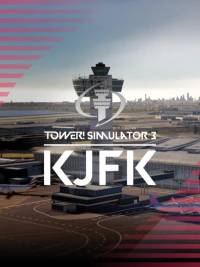
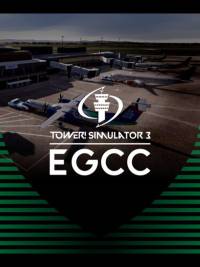
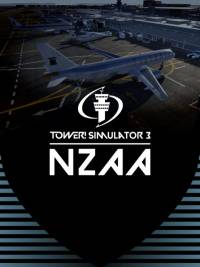




About Tower! Simulator 3: KBNA Airport
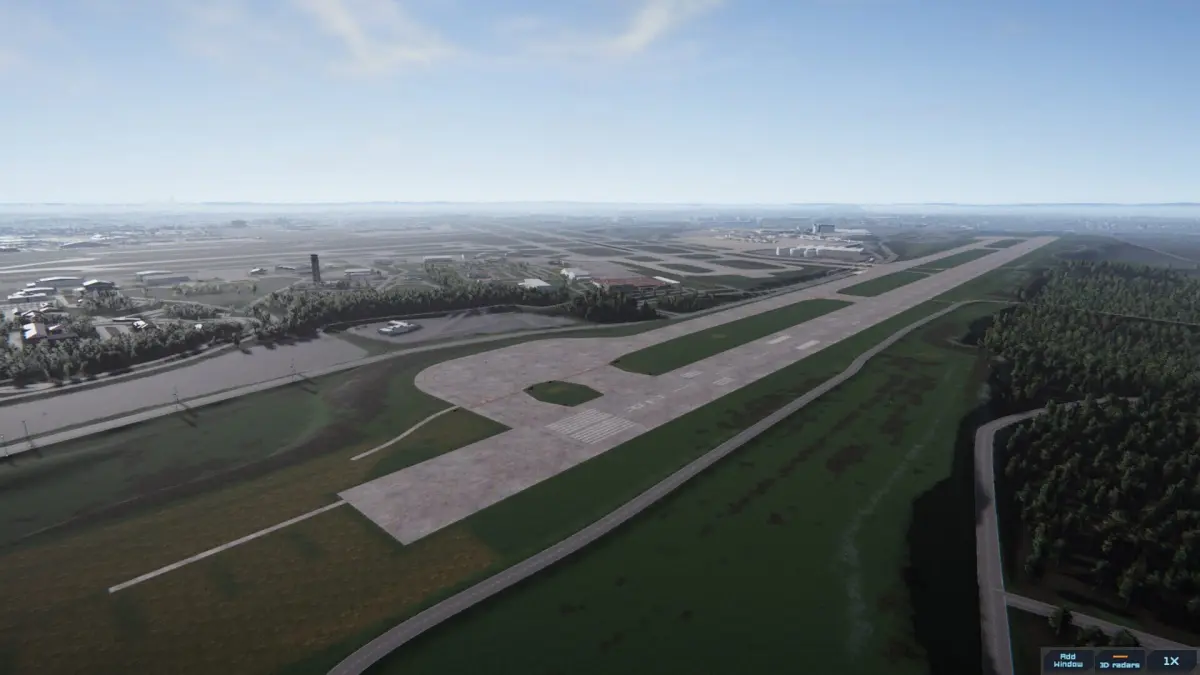
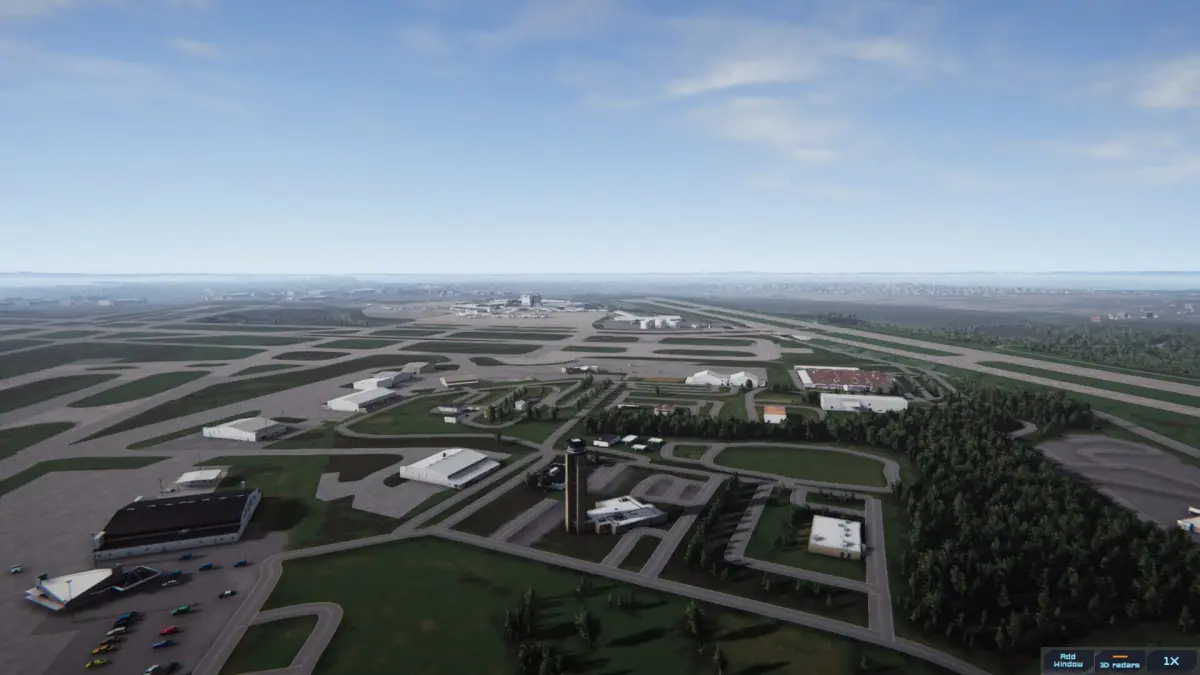
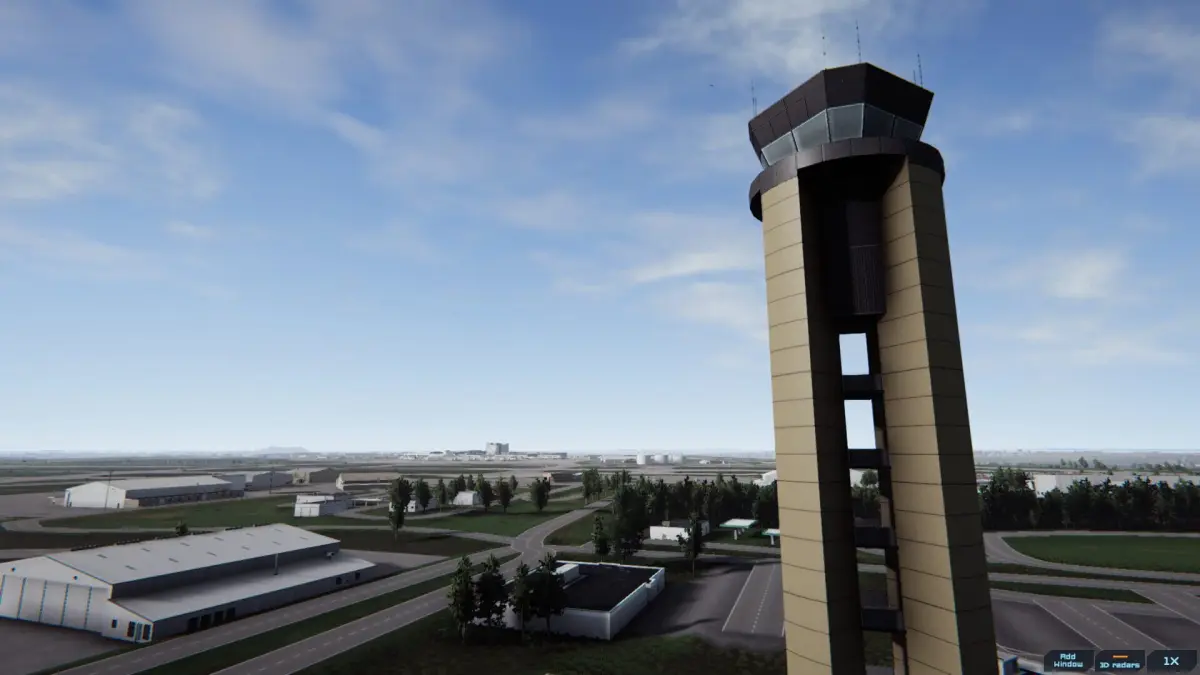
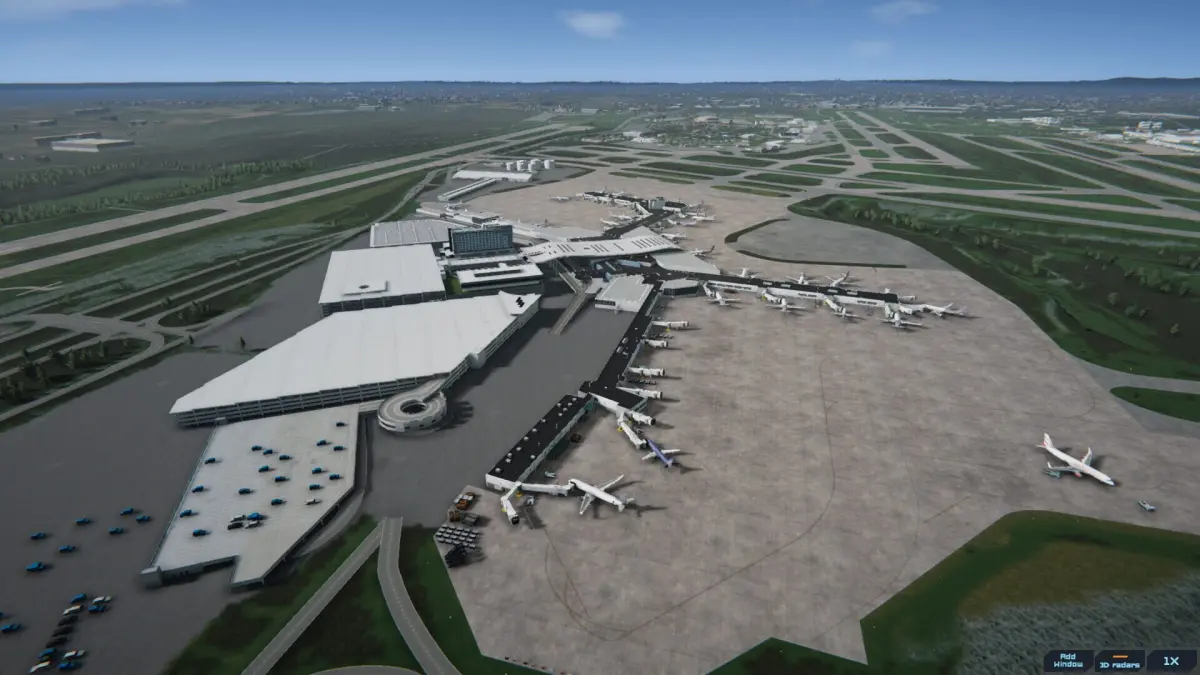
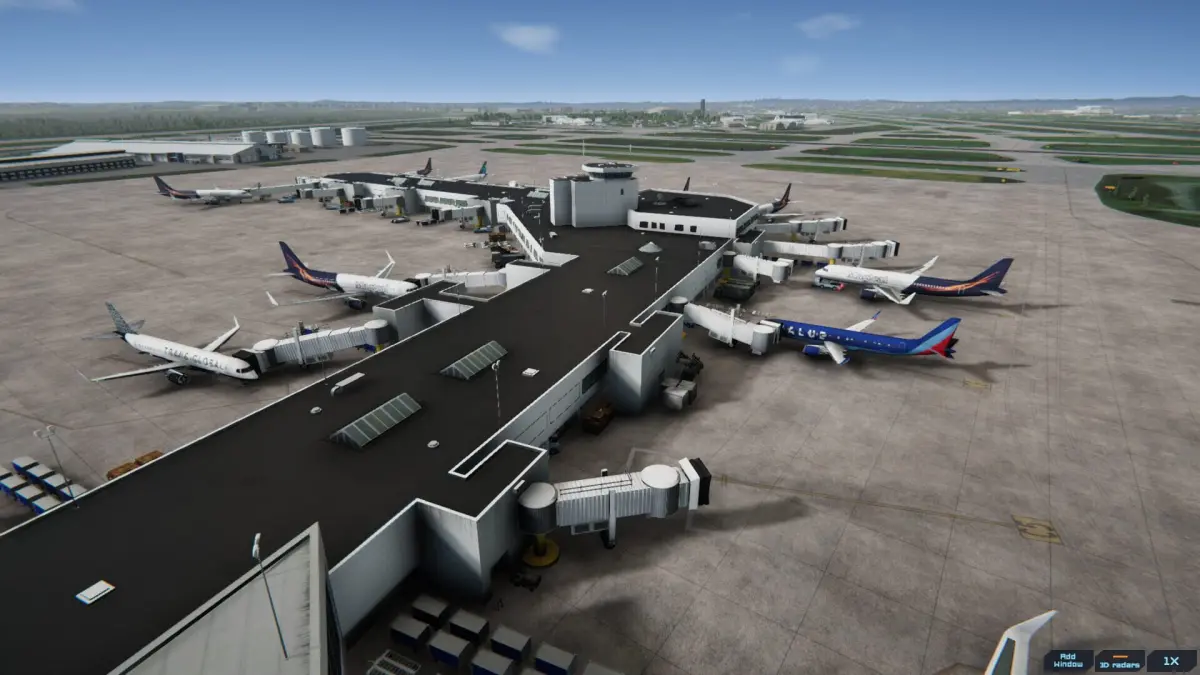
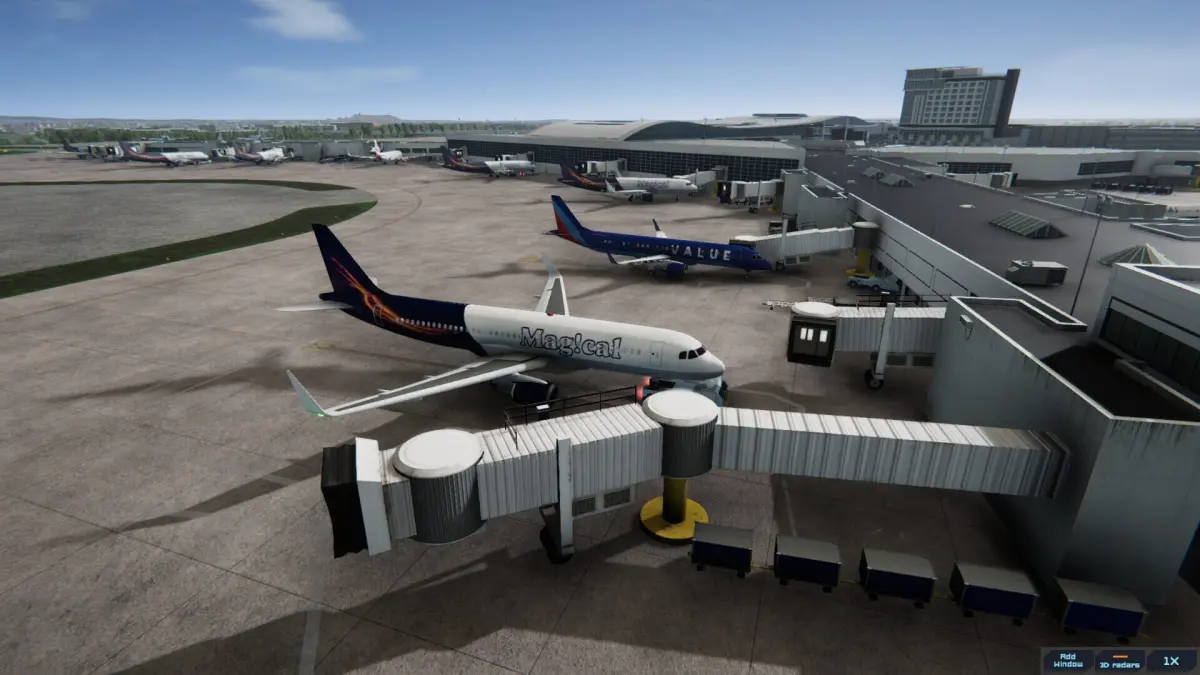
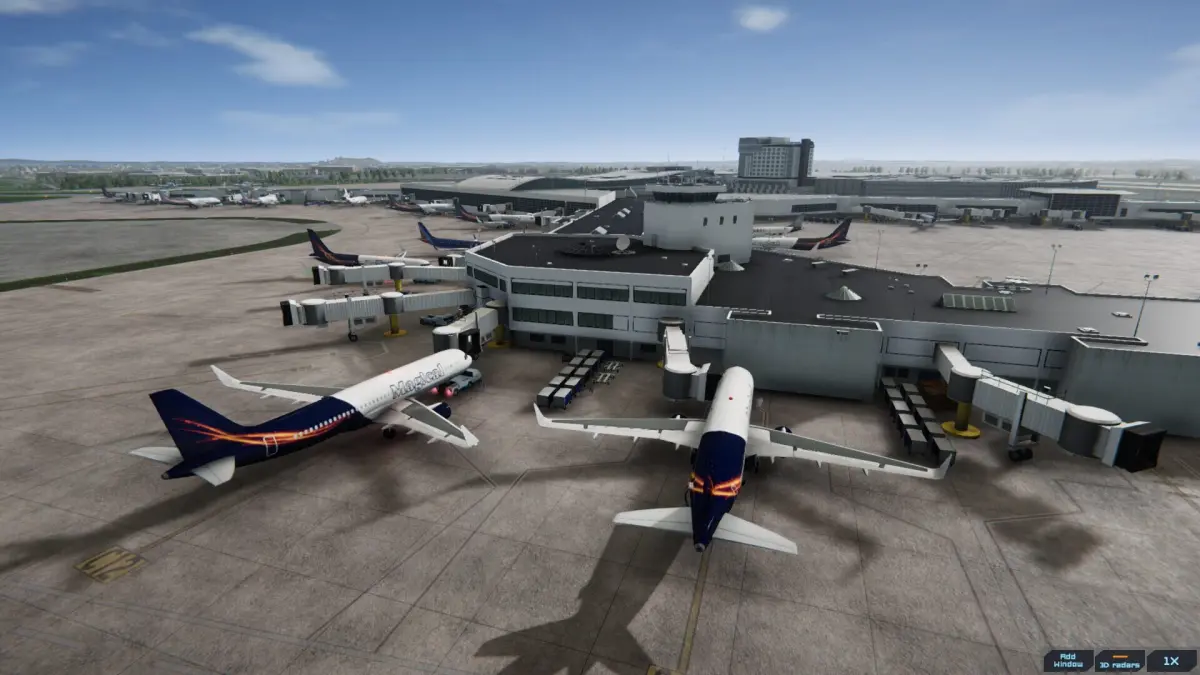
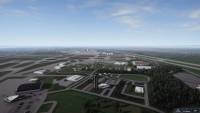
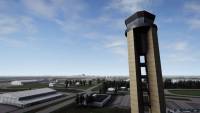
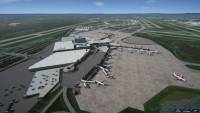
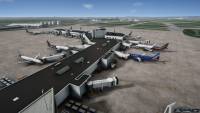
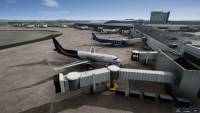
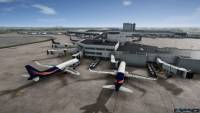
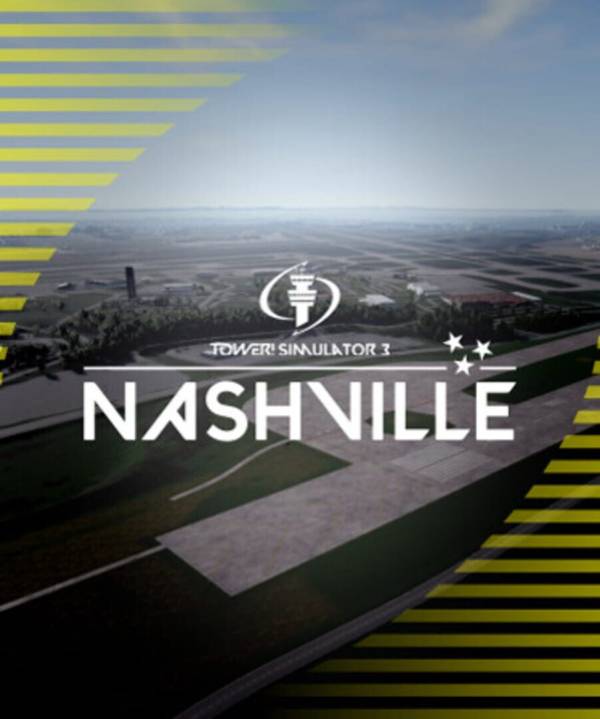
Control the sky on KBNA Nashville airport - Tower! Simulator 3.
When most of us think of Nashville, we usually think of the city as being the spiritual home of country and western music, but it is much more than that.
The airport features four runways, with nonstop flights in North America and Europe. The airport code is BNA, which stands for Berry Field Nashville in honor of Col. Harry S. Berry
The airport has one terminal with four concourses and a total of 45 gates. International flights are currently processed in Concourse A. It is home to 22 airlines, including major carriers and their regional partners, with more than 585 daily flights.
Features
- Detailed custom buildings with highly detailed textures
- Airport taxi signs
- Ground markings
- Dynamic lighting, light sources individually placed, for a spectacular night view experience.
- Most buildings remodeled with high detail
- Beautiful background scenery
Game Specifications
System Requirements
Windows
Minimum
- Requires a 64-bit processor and operating system
- OS *: 64 bit Windows 8.1, Windows 10 or Windows 11
- Processor: 3.5 Ghz
- Graphics: 8GB VRAM
- Storage: 20 GB available space
- Additional Notes: Requires keyboard, WIndows US English pack installed,
Recommended
- Requires a 64-bit processor and operating system
- OS *: 64 bit Windows 8.1, Windows 10 or Windows 11
- Processor: 3.7Ghz
- Graphics: 8GB VRAM
- Storage: 20 GB available space
- Additional Notes: WIndows US English pack installed, Requires keyboard and microphone / headset



Sign in to receive email alerts when tracking prices


comments
No comments yet
Be the first to share your thoughts!