














Acheter Oblivity: Find your perfect Sensitivity PC

Plateforme:
Choisis ta plateforme:
Où acheter ?


À propos de Oblivity: Find your perfect Sensitivity
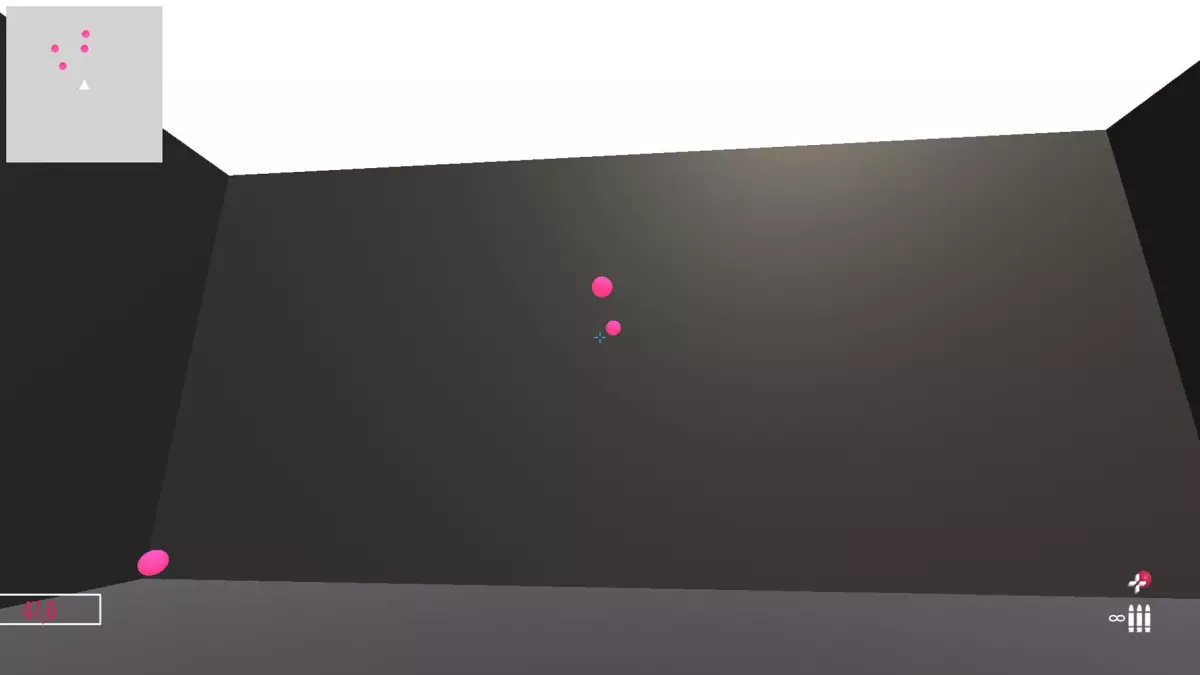
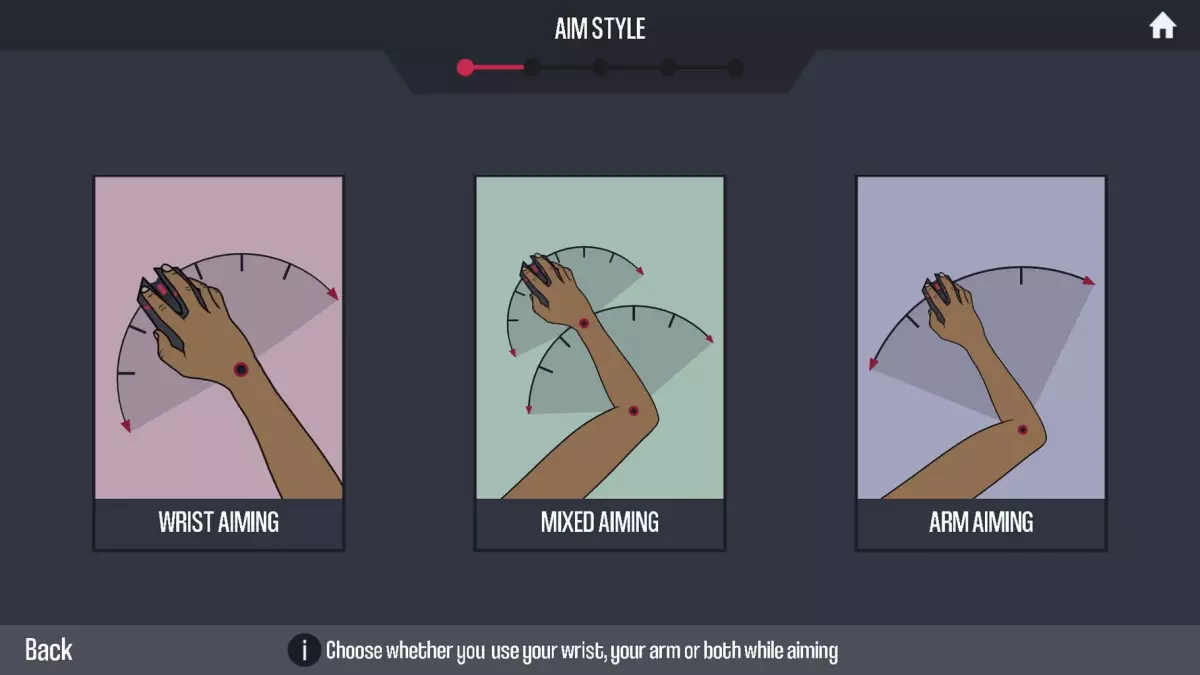
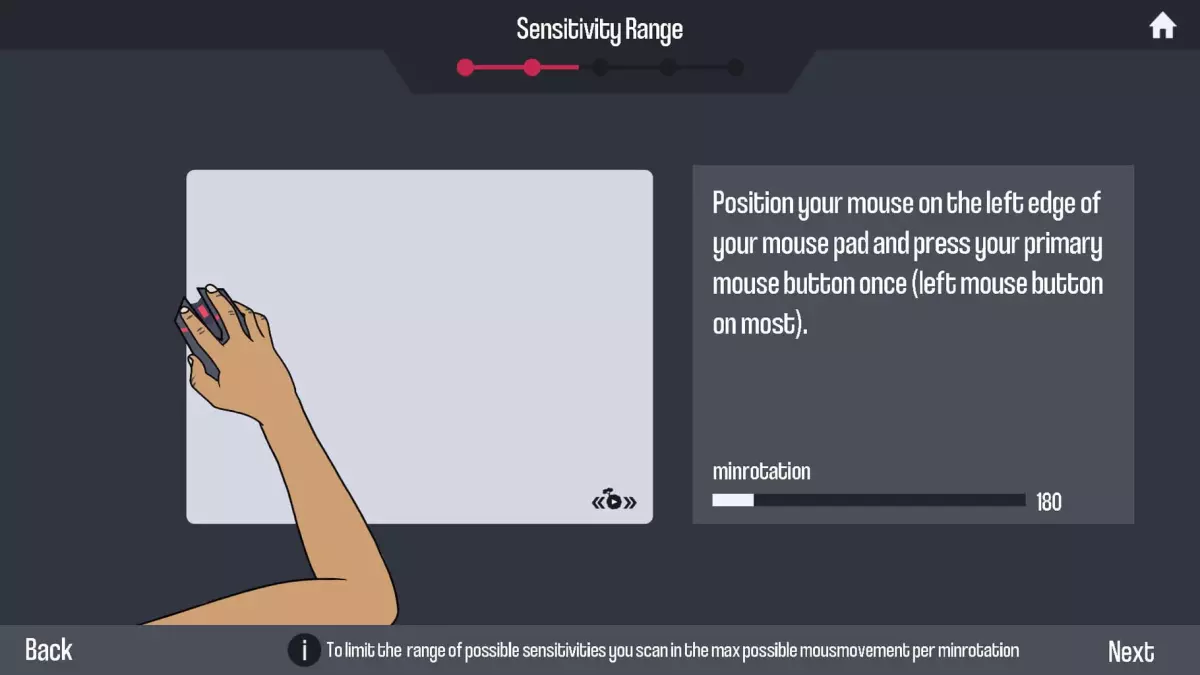
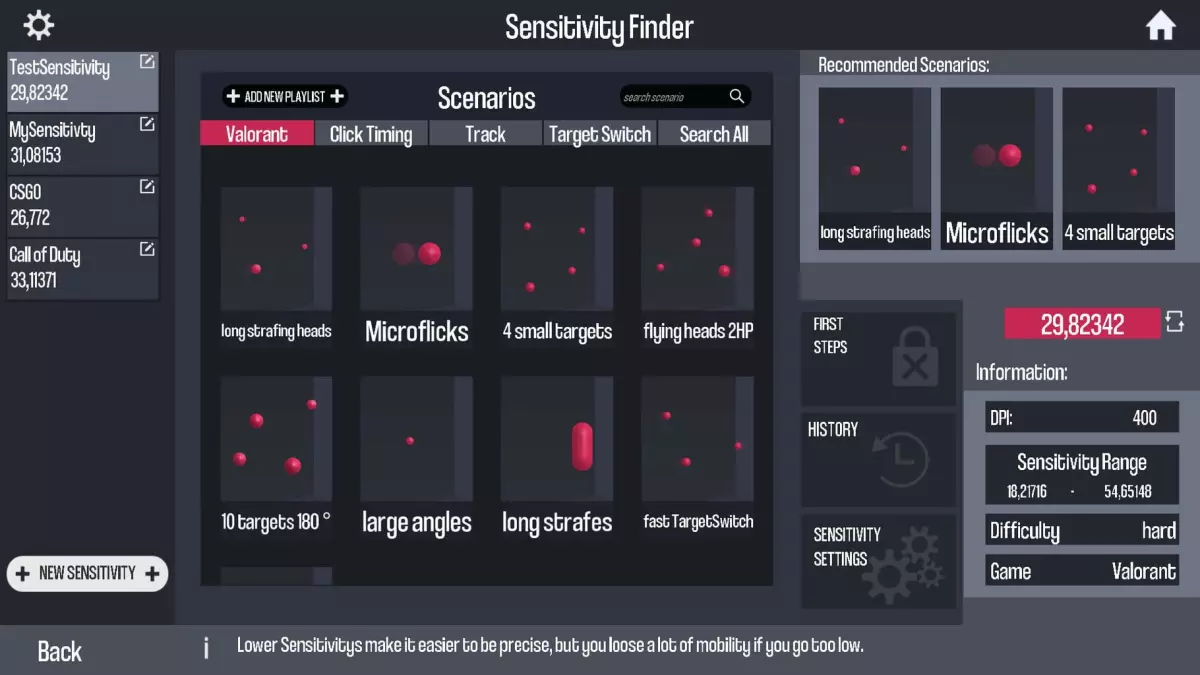

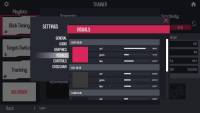
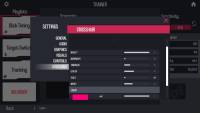
Aim Trainer:
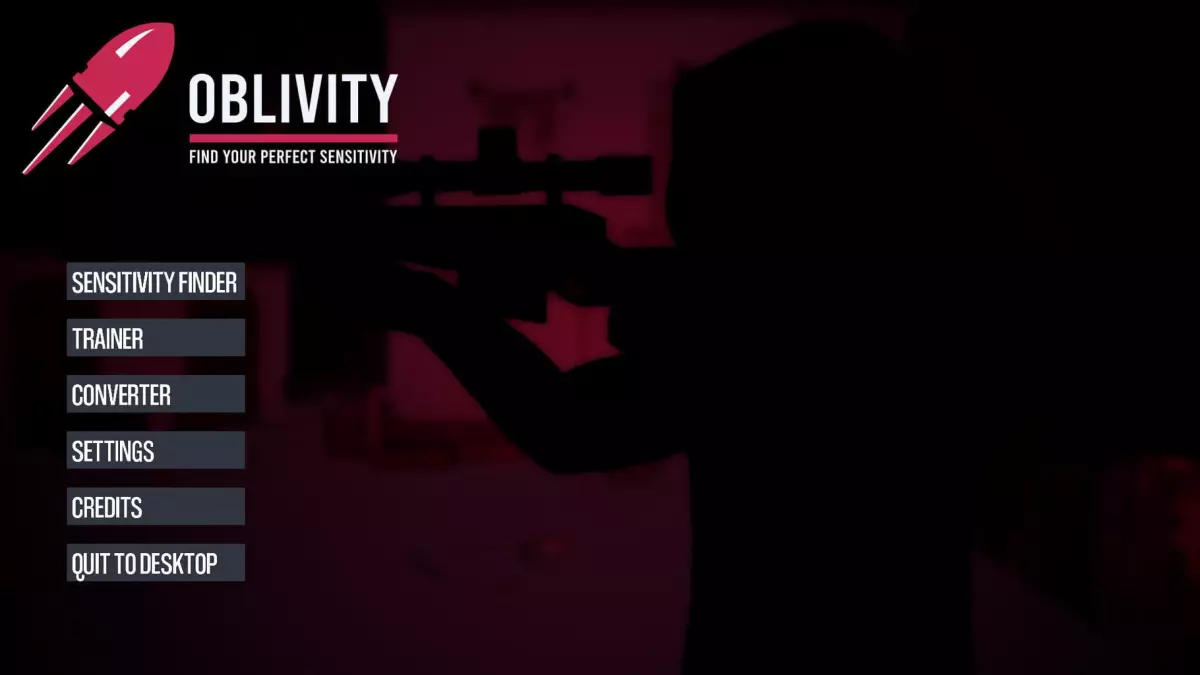
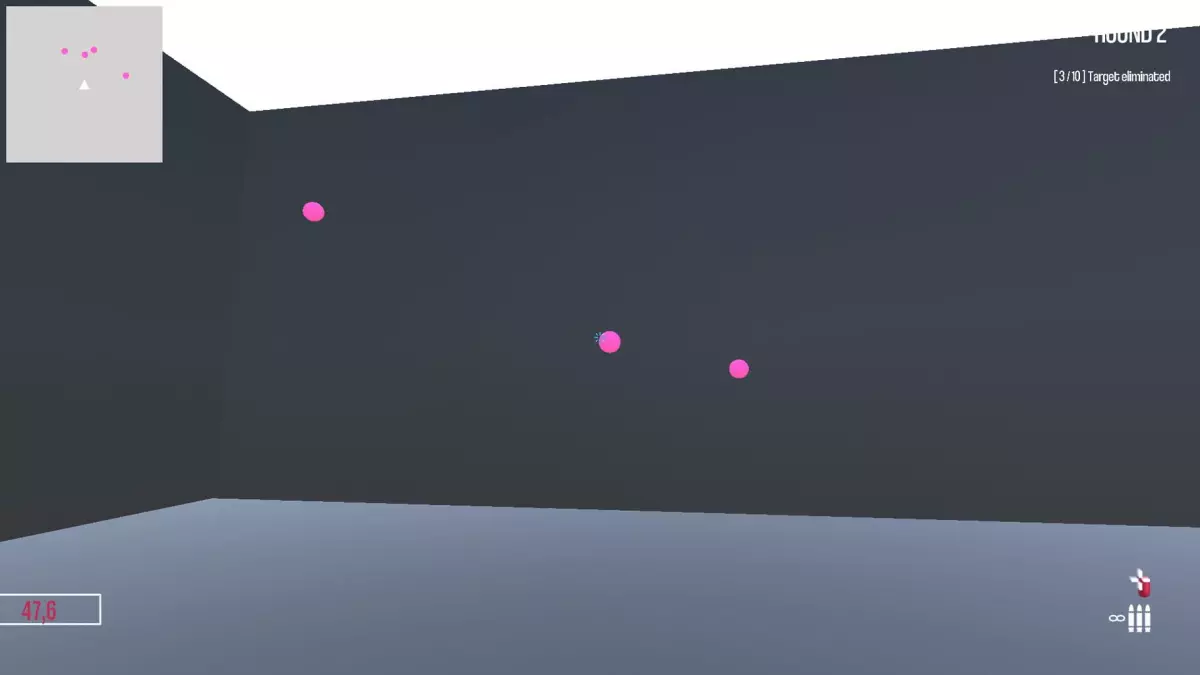
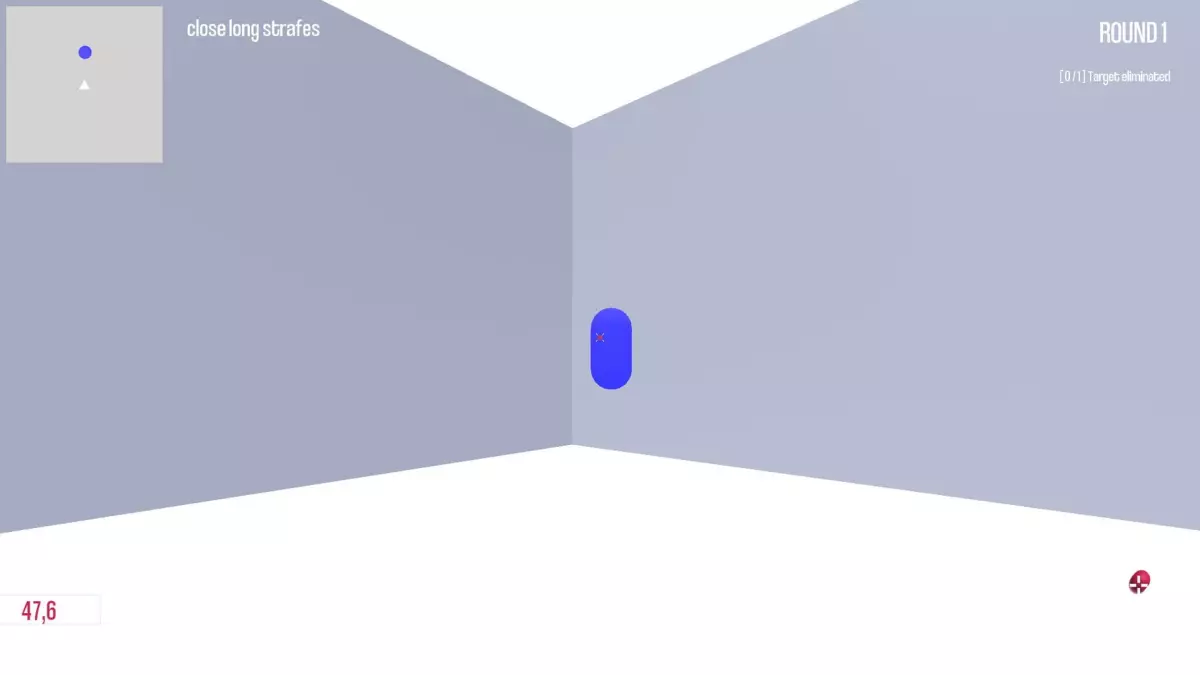
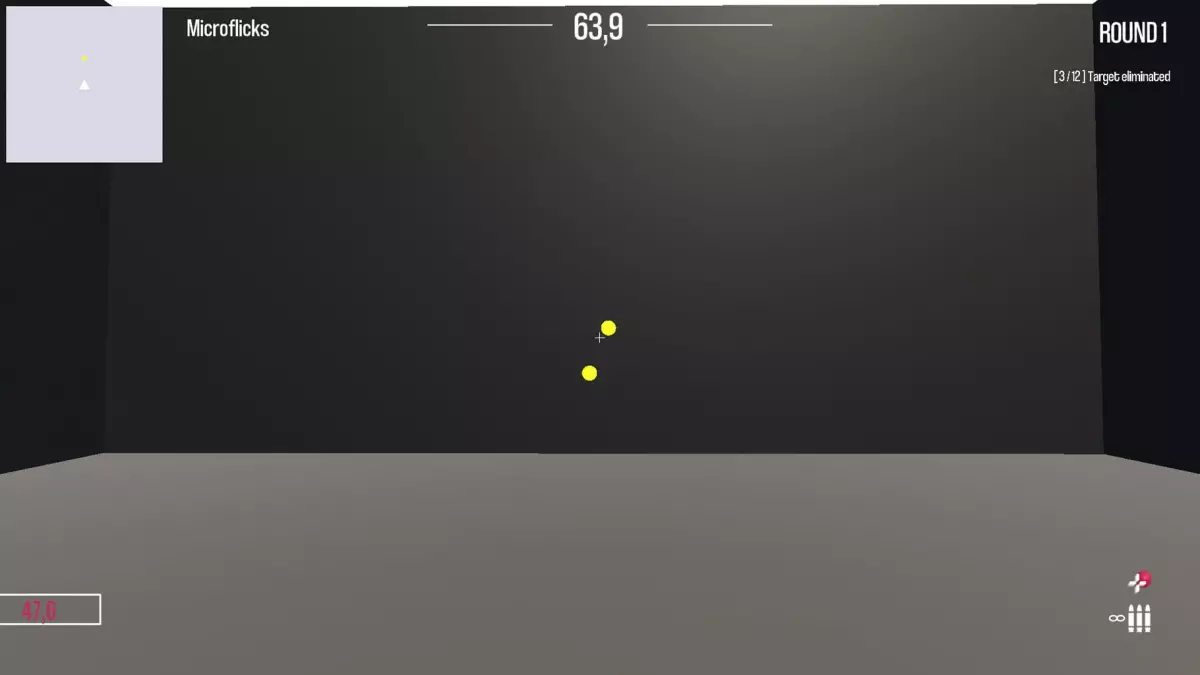
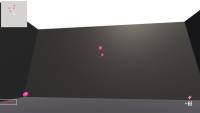
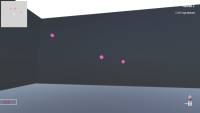
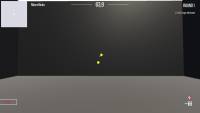
In Oblivity's trainer you can try out your new mouse sensitivity right away. You will find anything in the continuously growing online library of scenarios and playlists. How high can you climb the leaderboards against other players and your friends? You can also create scenarios yourself, upload them and share them with the Oblivity community. Special aim training technies such as mouse pathing or metronom aiming are supported as well.
Sensitivity Finder:
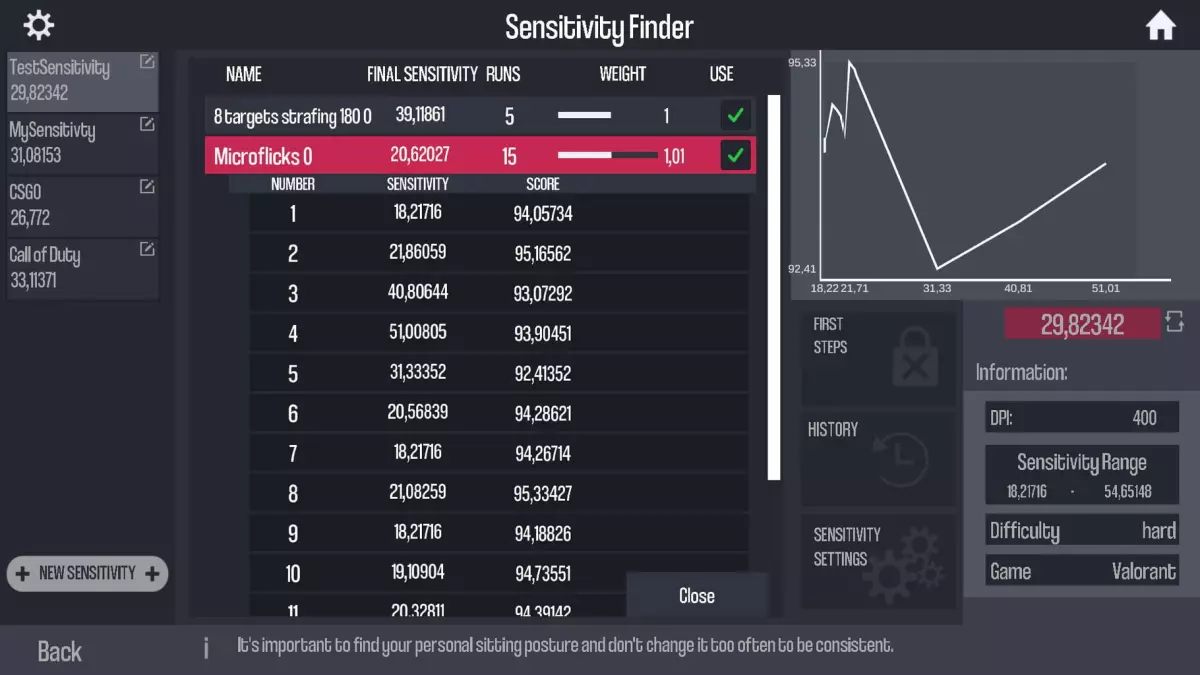
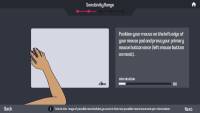
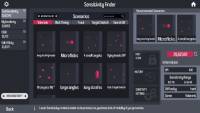
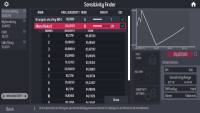
The sensitivity finder is a unique feature Oblivity is especially known for. It will help you to find an optimal mouse sensitivity for your favourite game!
You play a selection of scenarios matching your selected FPS game.
Each round your mouse sensitivity changes. Oblivitys algorithm tracks your performance and mouse movement data to determine the sensitivity you perform best with. Over a longer playtime, Oblivity can collect enough data to show you exactly how well you perform on different mouse sensitivity levels.
Smart Play:
Smart Play is the perfect place to discover new scenarios. Just click "Next" and we will pick the following scenario based on your liking and preferences.
Analysis:
After your training session, you can immediately view the statistics of your runs in the analysis section. Oblivity provides as much data as possible to show where you have weaknesses and do aiming mistakes. This includes the usual information like accuracy, mouse speed and score. But you will also see data such as the deviation from the ideal aiming path, overshoot, undershoot or aiming smoothness.
Replay:
Every run can be rewatched with the replay tool. The timeline shows, where you did which mistake. Be it over- undershooting the deviation or your overall performance. The playback speed can be adjusted to any level. You can also turn on onscreen indicators that show your aim line compared to the optimal aiming path.
Converter:
Oblivity also offers a converter. It is not only intended to convert your new Oblivity mouse sensitivity to that of your favorite game. You can very accurately convert the sensitivity of all supported first person shooters to that of any another game.
Options:
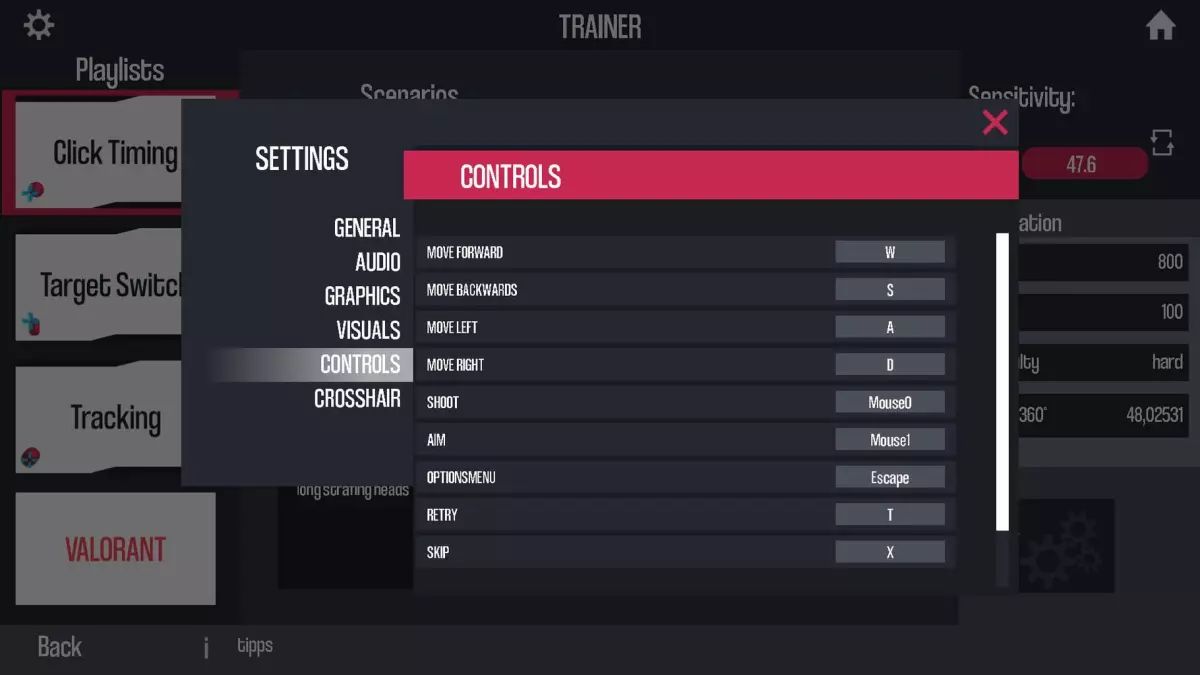
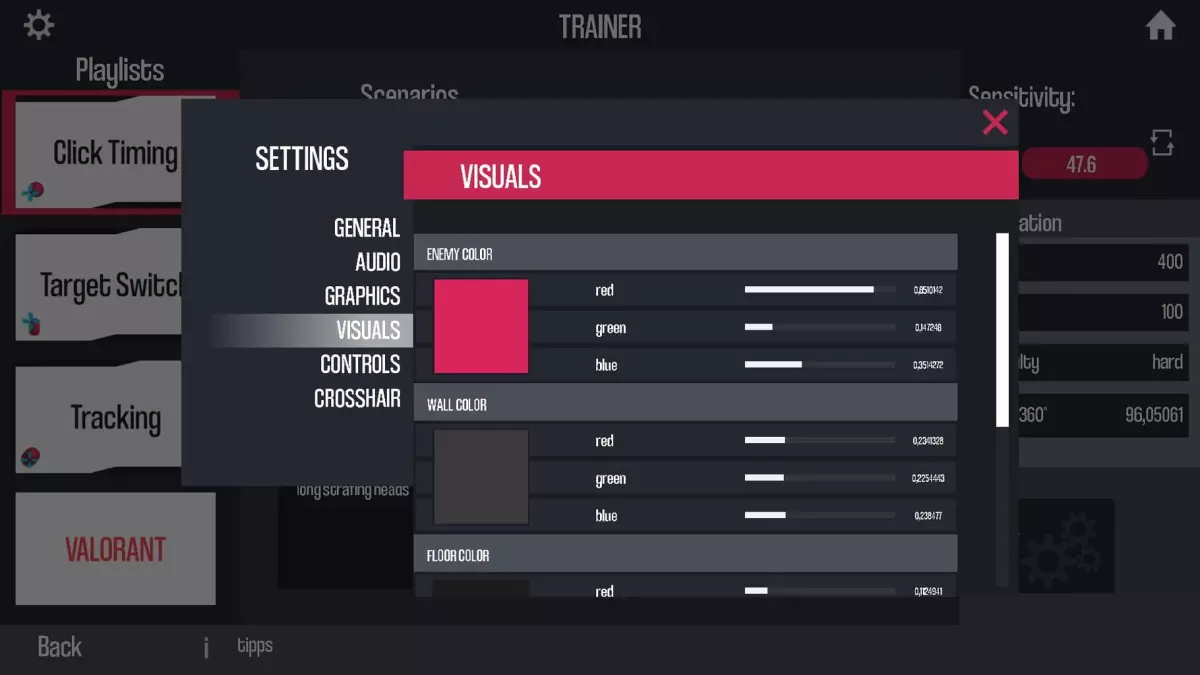
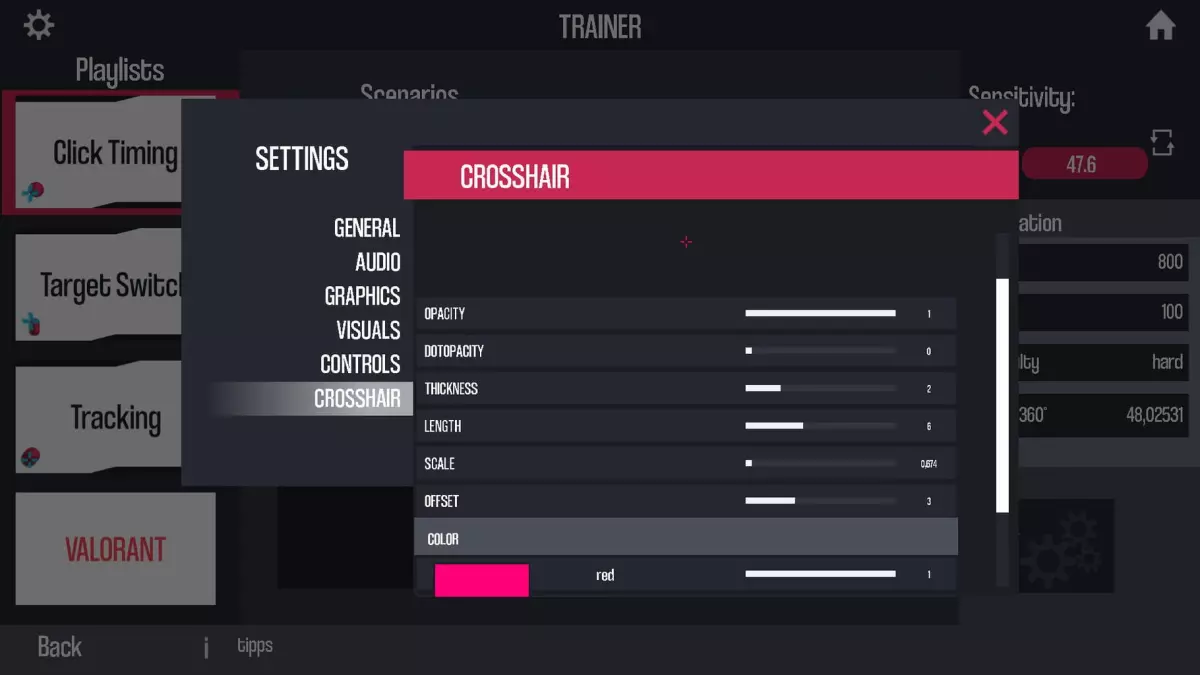
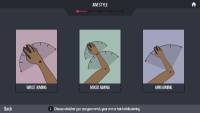
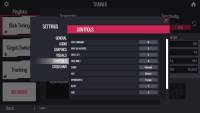
Oblivity is fully customizable! You can adjust anything to create your perfect, individual aim training experience. To name some examples: Change any ingame colour, create your own crosshair, import your own sound effects and customize the ingame HUD. Of course you can also set all technical values. Oblivity supports different FOV types, each keybind can be changed, different monitor resolutions and aspect ratios are supported.
Caractéristiques
Configuration requise
Windows
Minimale
- Système d’exploitation: Windows 10
- Processeur: Intel Core i3
- Mémoire: 4 GB RAM
- Graphiques: GTX 560
- Espace disque: 600 MB d’espace disponible
- Remarques supplémentaires: As long as your pc isn't a potato you shouldn't have any performance issues.
Recommandée
- Système d’exploitation: Windows 10
- Processeur: Intel Core i5
- Mémoire: 6 GB RAM
- Graphiques: GTX 960
- Espace disque: 1 GB d’espace disponible
- Remarques supplémentaires: As long as your pc isn't a potato you shouldn't have any performance issues.
Jeux similaires


Historique des prix
Questions fréquentes sur Oblivity: Find your perfect Sensitivity
Quel est le meilleur prix pour une clé Steam de Oblivity: Find your perfect Sensitivity ?
La clé Steam activable la moins chère actuellement répertoriée coûte 8.95 € chez Steam. Les prix ont été vérifiés pour la dernière fois le 7 novembre 2026.
Voir les offres de clésQuelle est la différence entre les offres de clé et de compte pour Oblivity: Find your perfect Sensitivity ?
Gamescade répertorie actuellement 2 clés activables et aucune offre de compte. Une clé s’active sur votre propre compte, tandis qu’une offre de compte donne accès à un compte séparé contenant le jeu.
Voir les offres de clésQuelle est la configuration PC requise pour Oblivity: Find your perfect Sensitivity ?
La configuration PC minimale de Oblivity: Find your perfect Sensitivity comprend un processeur Intel Core i3, 4 GB de RAM, un GPU avec GTX 560 et 600 MB d’espace de stockage disponible. Consultez la configuration complète ci-dessous.
Quelle est la date de sortie de Oblivity: Find your perfect Sensitivity ?
Oblivity: Find your perfect Sensitivity est sorti le 24 mars 2022.
Où peut-on activer les offres de Oblivity: Find your perfect Sensitivity ?
Les offres de clé actuelles pour Oblivity: Find your perfect Sensitivity peuvent être activées sur Steam. Vérifiez les restrictions régionales sur la page du marchand avant l’achat.
Quelles plateformes proposent des offres actives pour Oblivity: Find your perfect Sensitivity ?
Gamescade répertorie actuellement des offres actives pour Oblivity: Find your perfect Sensitivity sur PC.
Connectez-vous pour recevoir des alertes par e-mail lors du suivi des prix