DinoBones: Tidy Up the Museum PC kaufen
Plattform:
Wähle deine Plattform:

Plattform:
Wähle deine Plattform:
Wo kaufen?


Über DinoBones: Tidy Up the Museum
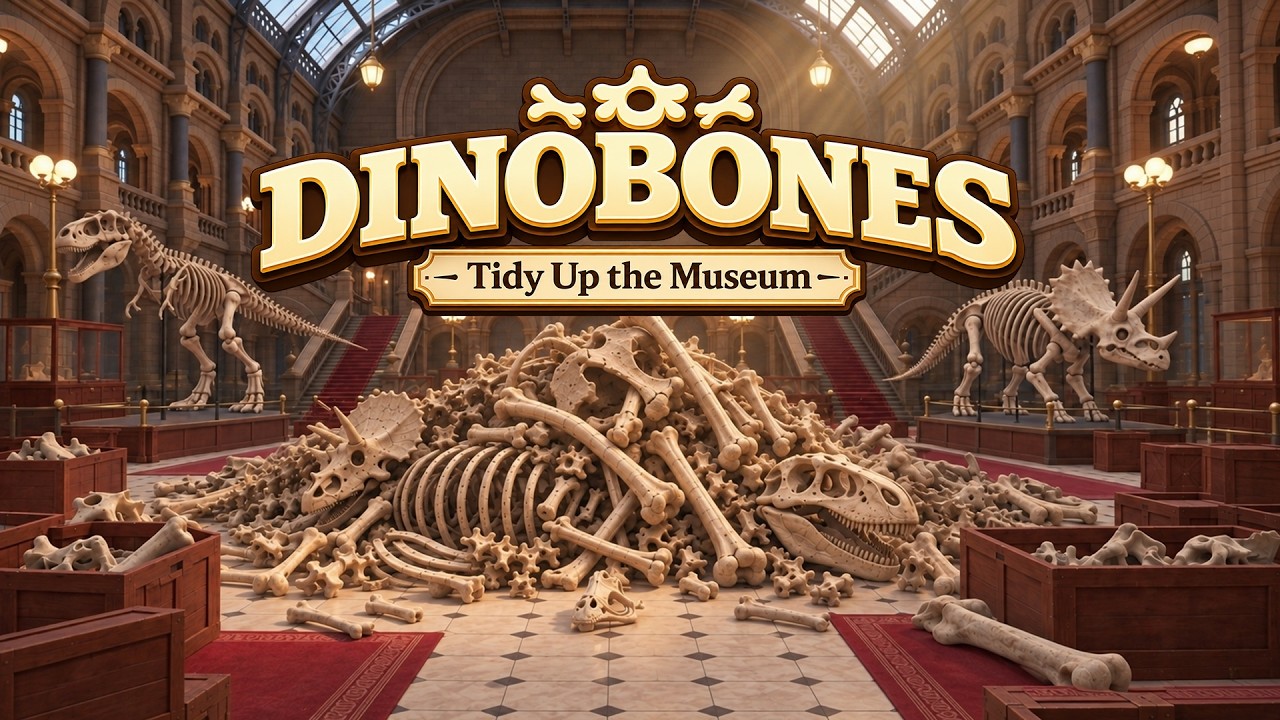
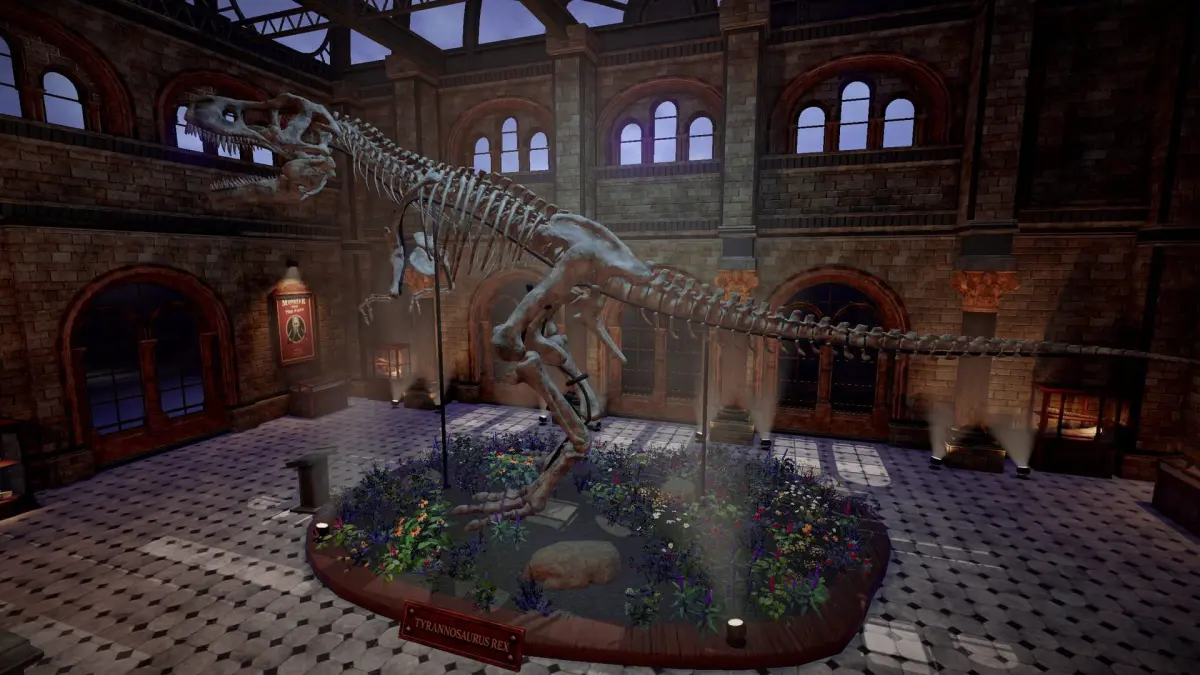
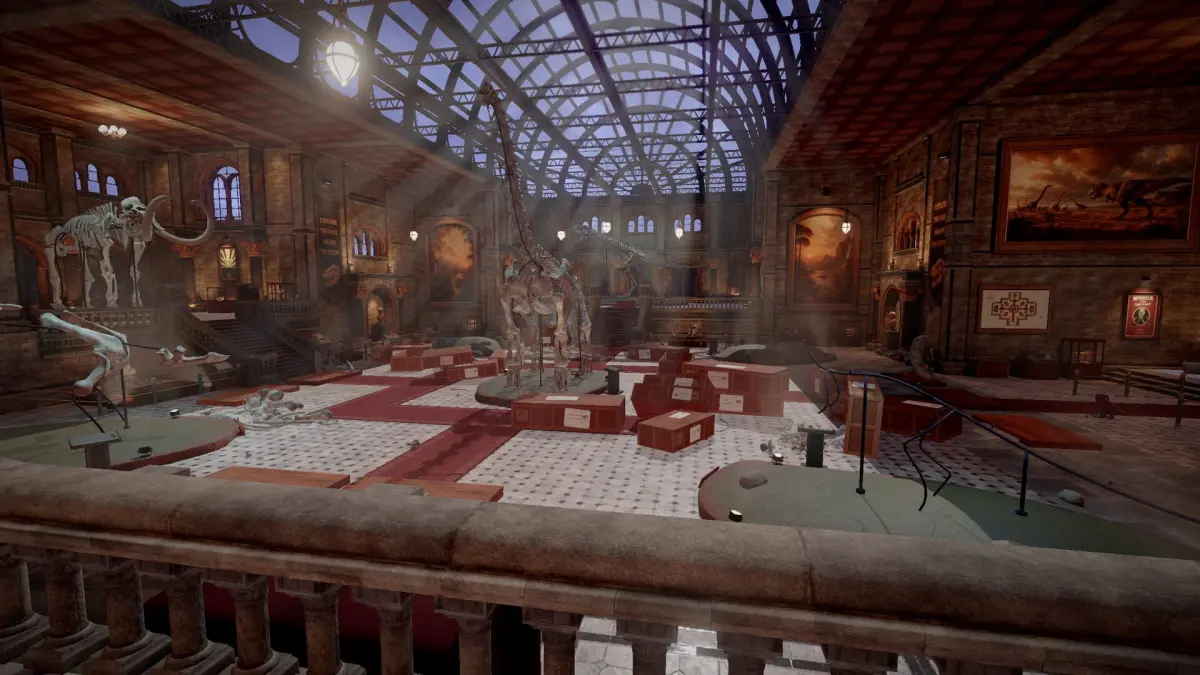
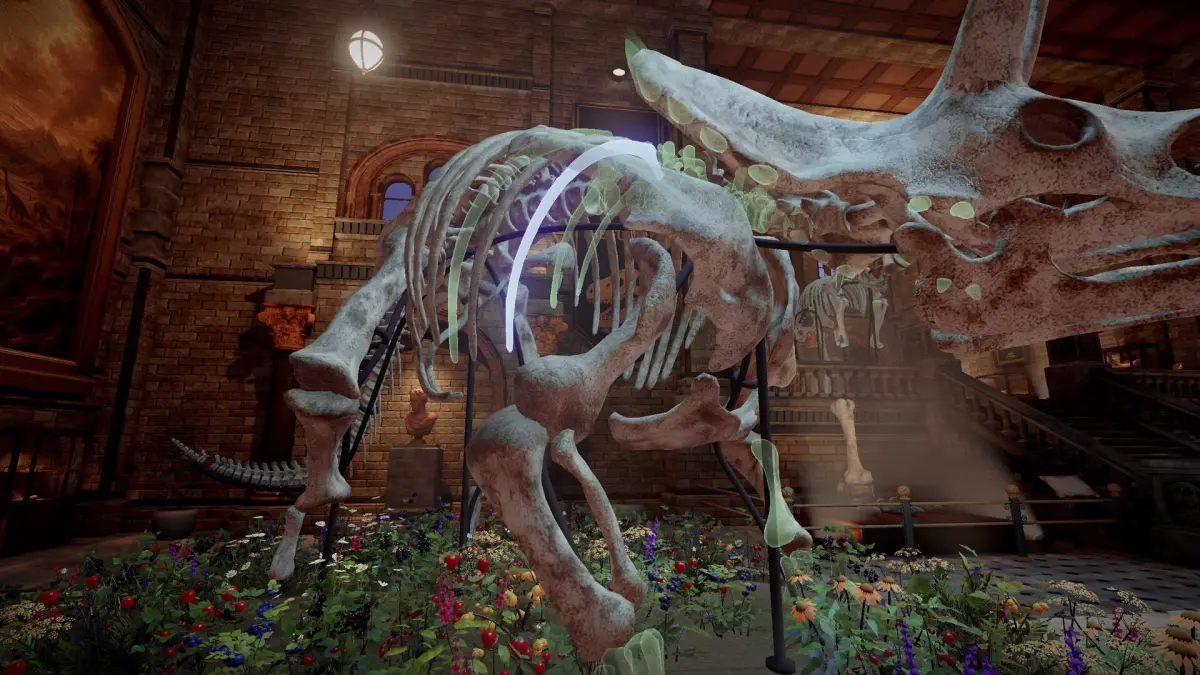
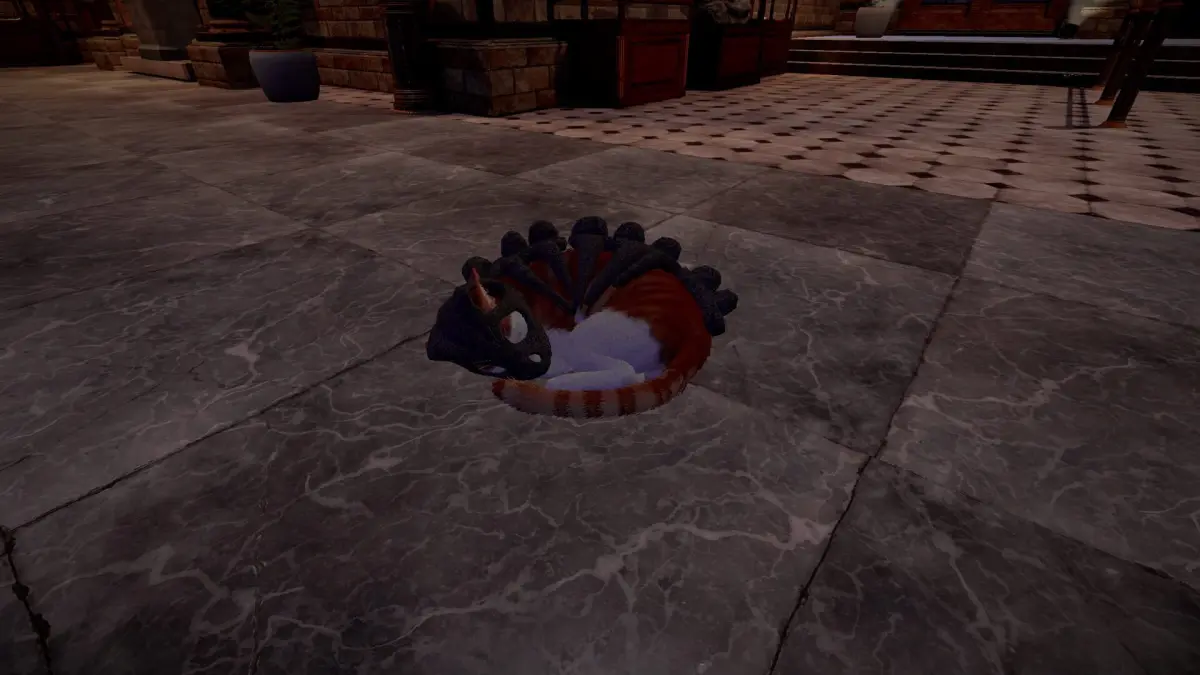
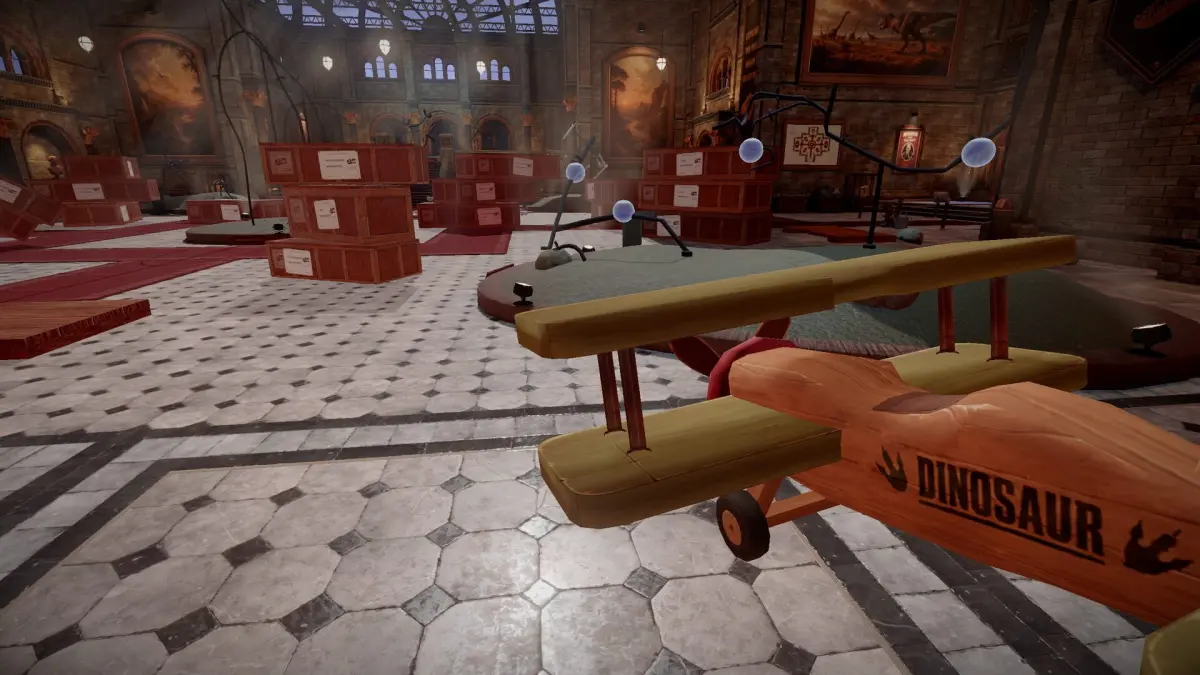
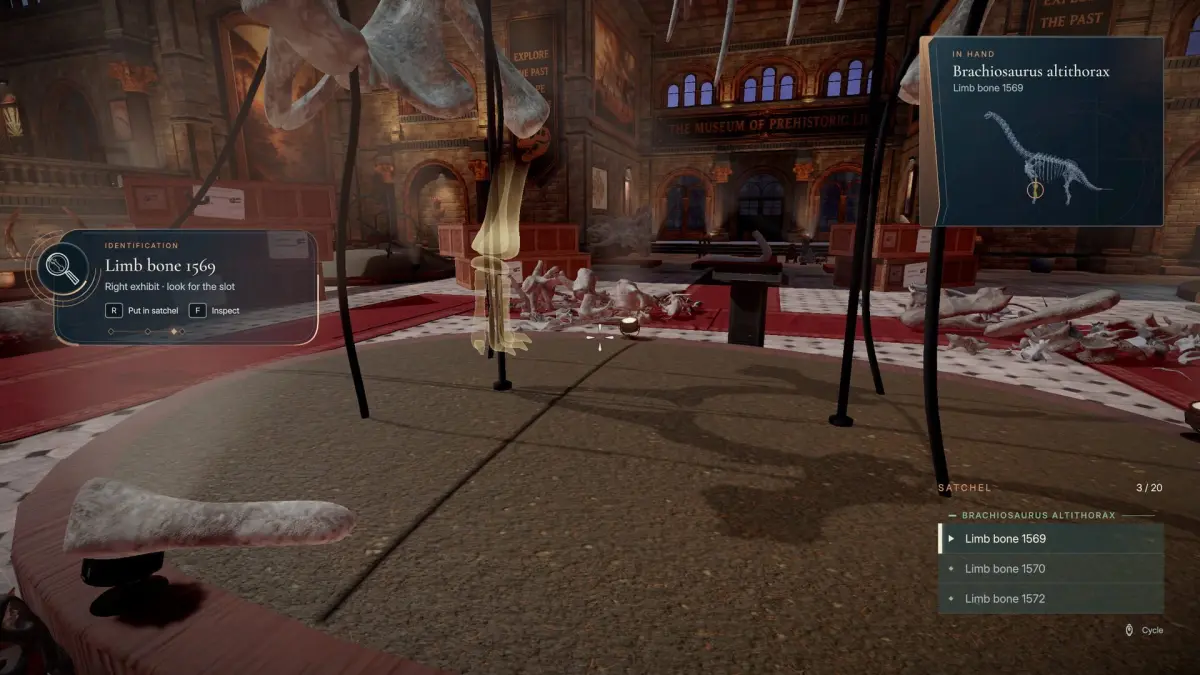
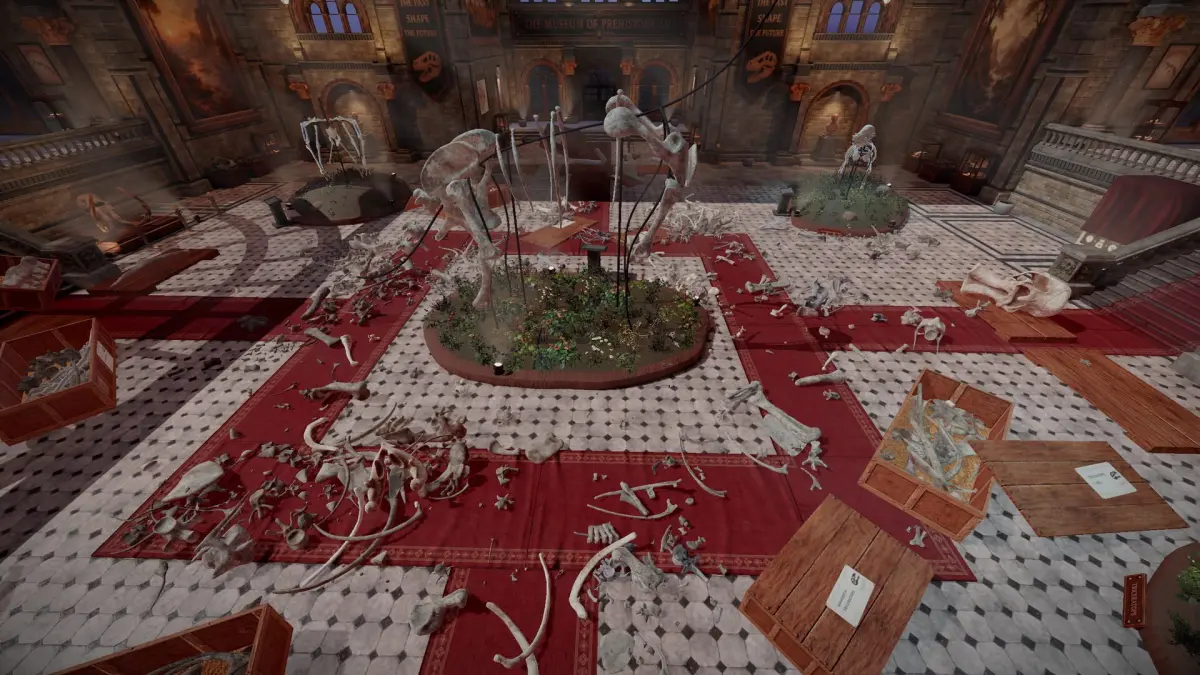
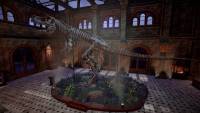

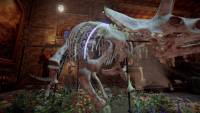
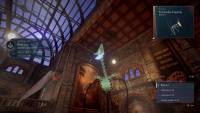
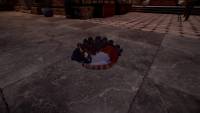



Museum messed up! Something happened here. Crates are tipped over, and skulls, ribs, and vertebrae lie scattered across the halls. You're the only one around to put nine skeletons back together. Well, you and a cat.
TURN CHAOS INTO ORDER
Collect - Pick up bones from the floor, the stairs, and wherever the crates spilled them
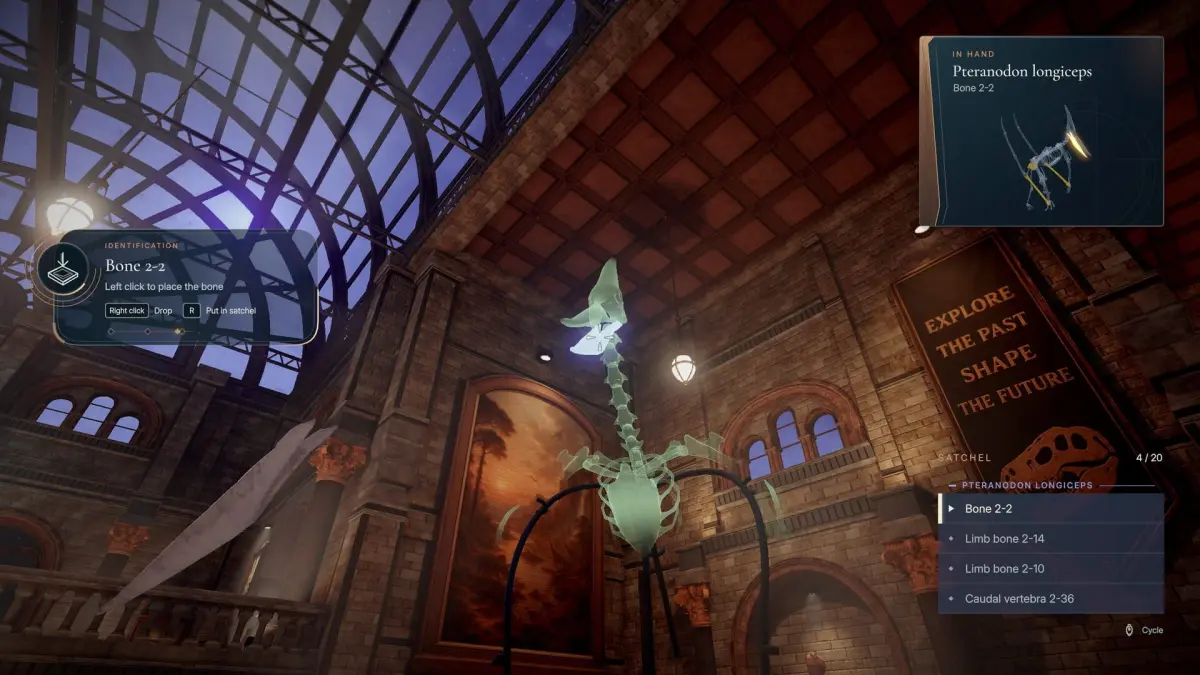
Identify - Every bone starts as “Unknown”. Figure out which skeleton it belongs to
Assemble - Find the right slot and click it into place, one bone at a time
MAKE A MESS, LEARN THE BONES
Open crates, tip them over, or just throw them, and start rebuilding. Each dinosaur's bones have their own look, color, texture, wear, and the more you place them, the faster you recognize them. No skill trees, no upgrades. Just you getting better.
WAKE UP THE MUSEUM
As skeletons come together, you'll trigger special events around the museum. Each one leaves something behind: little rewards, toys, and surprises that make the place feel like yours.
Spezifikationen
- Einzelspieler
- Linux
- Windows
- Mac
Systemanforderungen
Windows
Minimum
- Betriebssystem: 64-bit Windows 10
- Prozessor: Intel Core i7-4790K / AMD Ryzen 5 1500X
- Arbeitsspeicher: 8 GB RAM
- Grafik: NVIDIA GeForce GTX 980 Ti 6 GB / AMD Radeon RX 6500 XT
- DirectX: Version 11
- Speicherplatz: 4 GB verfügbarer Speicherplatz
Empfohlen
- Betriebssystem: 64-bit Windows 11
- Prozessor: Intel Core i7-8700 / AMD Ryzen 5 3600
- Arbeitsspeicher: 16 GB RAM
- Grafik: NVIDIA GeForce GTX 1080 / AMD Radeon RX 5700 XT
- DirectX: Version 11
- Speicherplatz: 4 GB verfügbarer Speicherplatz
macOS
Minimum
- Requires an Apple processor
- Betriebssystem: macOS 12 Monterey (Apple Silicon)
- Prozessor: Apple M1
- Arbeitsspeicher: 8 GB RAM
- Grafik: Apple M1
- Speicherplatz: 4 GB verfügbarer Speicherplatz
- Zusätzliche Hinweise: Apple Silicon (M1 or newer) only. Intel-based Macs are not supported.
Empfohlen
- Requires an Apple processor
- Betriebssystem: macOS 14 Sonoma or newer
- Prozessor: Apple M1 Pro or newer
- Arbeitsspeicher: 16 GB RAM
- Grafik: Apple M1 Pro or newer
- Speicherplatz: 4 GB verfügbarer Speicherplatz
Linux
Minimum
- Betriebssystem: Ubuntu 20.04 64-bit or SteamOS 3
- Prozessor: Intel Core i7-4790K / AMD Ryzen 5 1500X
- Arbeitsspeicher: 8 GB RAM
- Grafik: NVIDIA GeForce GTX 980 Ti 6 GB / AMD Radeon RX 6500 XT (Vulkan)
- Speicherplatz: 4 GB verfügbarer Speicherplatz
- Zusätzliche Hinweise: Vulkan required.
Empfohlen
- Betriebssystem: Ubuntu 22.04 64-bit or SteamOS 3
- Prozessor: Intel Core i7-8700 / AMD Ryzen 5 3600
- Arbeitsspeicher: 16 GB RAM
- Grafik: NVIDIA GeForce GTX 1080 / AMD Radeon RX 5700 XT (Vulkan)
- Speicherplatz: 4 GB verfügbarer Speicherplatz
Ähnliche Spiele


Preisverlauf
Häufig gestellte Fragen zu DinoBones: Tidy Up the Museum
Was ist der günstigste Preis für einen DinoBones: Tidy Up the Museum Steam-Key?
Der günstigste derzeit gelistete Steam-Key zum Einlösen kostet 4,34 € bei Steam. Die Preise wurden zuletzt am 17. November 2026 geprüft.
Key-Angebote anzeigenWas ist der Unterschied zwischen Key- und Account-Angeboten für DinoBones: Tidy Up the Museum?
Gamescade listet derzeit 2 einlösbare Keys und keine Account-Angebote. Einen Key löst du auf deinem eigenen Account ein, während ein Account-Angebot Zugriff auf einen separaten Account mit dem Spiel bietet.
Key-Angebote anzeigenWelche PC-Systemanforderungen hat DinoBones: Tidy Up the Museum?
Die PC-Mindestanforderungen für DinoBones: Tidy Up the Museum umfassen einen Intel Core i7-4790K / AMD Ryzen 5 1500X Prozessor, 8 GB RAM, eine GPU mit NVIDIA GeForce GTX 980 Ti 6 GB / AMD Radeon RX 6500 XT und 4 GB freien Speicherplatz. Die vollständigen Anforderungen findest du weiter unten.
Wann wurde DinoBones: Tidy Up the Museum veröffentlicht?
DinoBones: Tidy Up the Museum wurde am 25. September 2026 veröffentlicht.
Ist DinoBones: Tidy Up the Museum ein Einzelspieler-, Mehrspieler- oder Koop-Spiel?
DinoBones: Tidy Up the Museum ist als Einzelspieler-Spiel gelistet. Mehrspieler- oder Koop-Modi sind derzeit nicht aufgeführt.
Wo können Angebote für DinoBones: Tidy Up the Museum aktiviert werden?
Die aktuell angebotenen Keys für DinoBones: Tidy Up the Museum kannst du auf Steam aktivieren. Prüfe vor dem Kauf auf der Händlerseite, ob es regionale Einschränkungen gibt.
Für welche Plattformen gibt es aktive Angebote für DinoBones: Tidy Up the Museum?
Gamescade listet derzeit aktive Angebote für DinoBones: Tidy Up the Museum auf PC.

Melde dich an, um E-Mail-Alarme beim Verfolgen von Preisen zu erhalten